Piggy
Parent sign in

Save · care · grow

The piggy bank
that comes to life.

A real piggy bank. A little friend with a big personality. Piggy brings saving, everyday habits and caring for a virtual pet together on a touchscreen — with parents guiding the adventure from their phone.

A pet for their room. A companion for everyday learning.

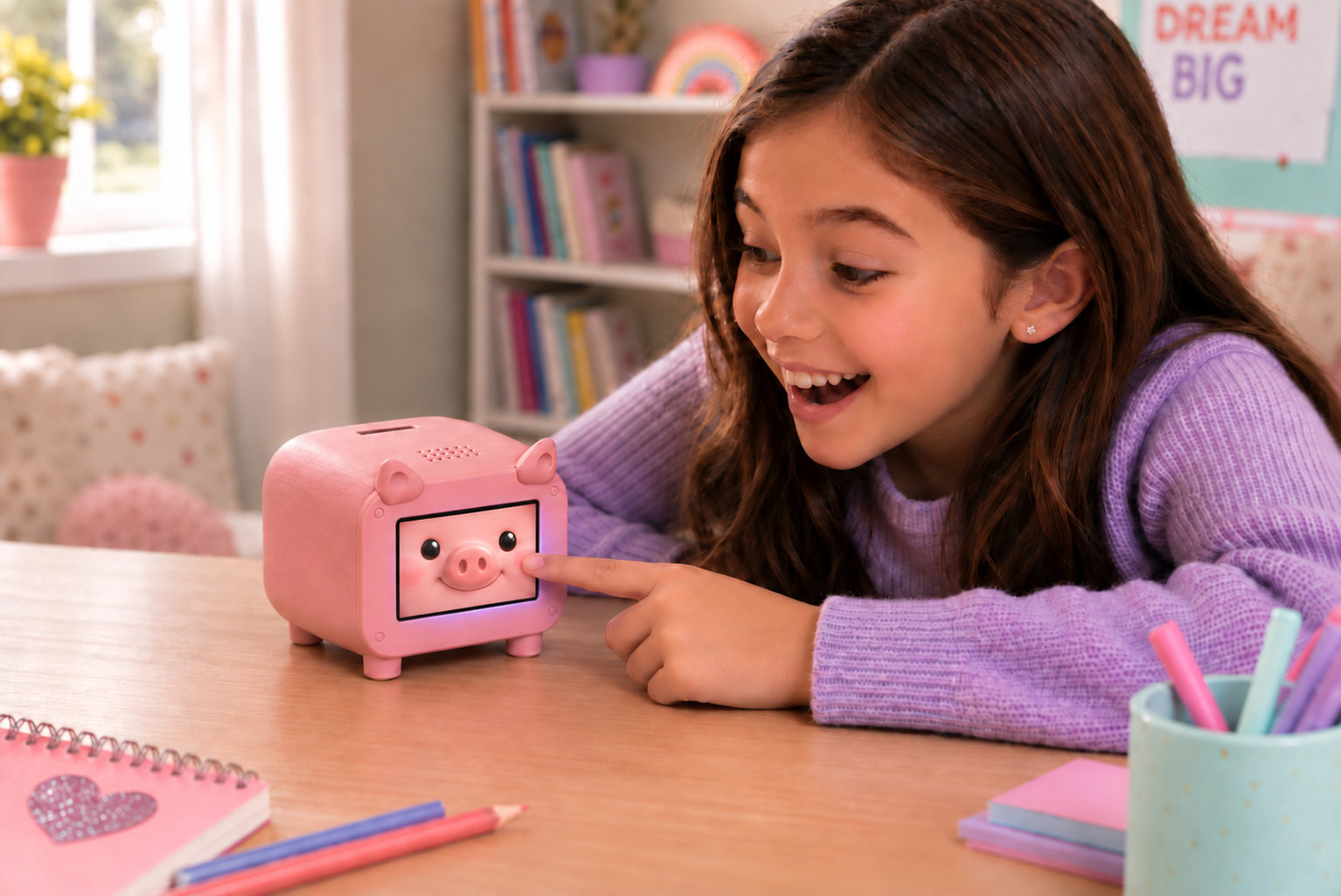
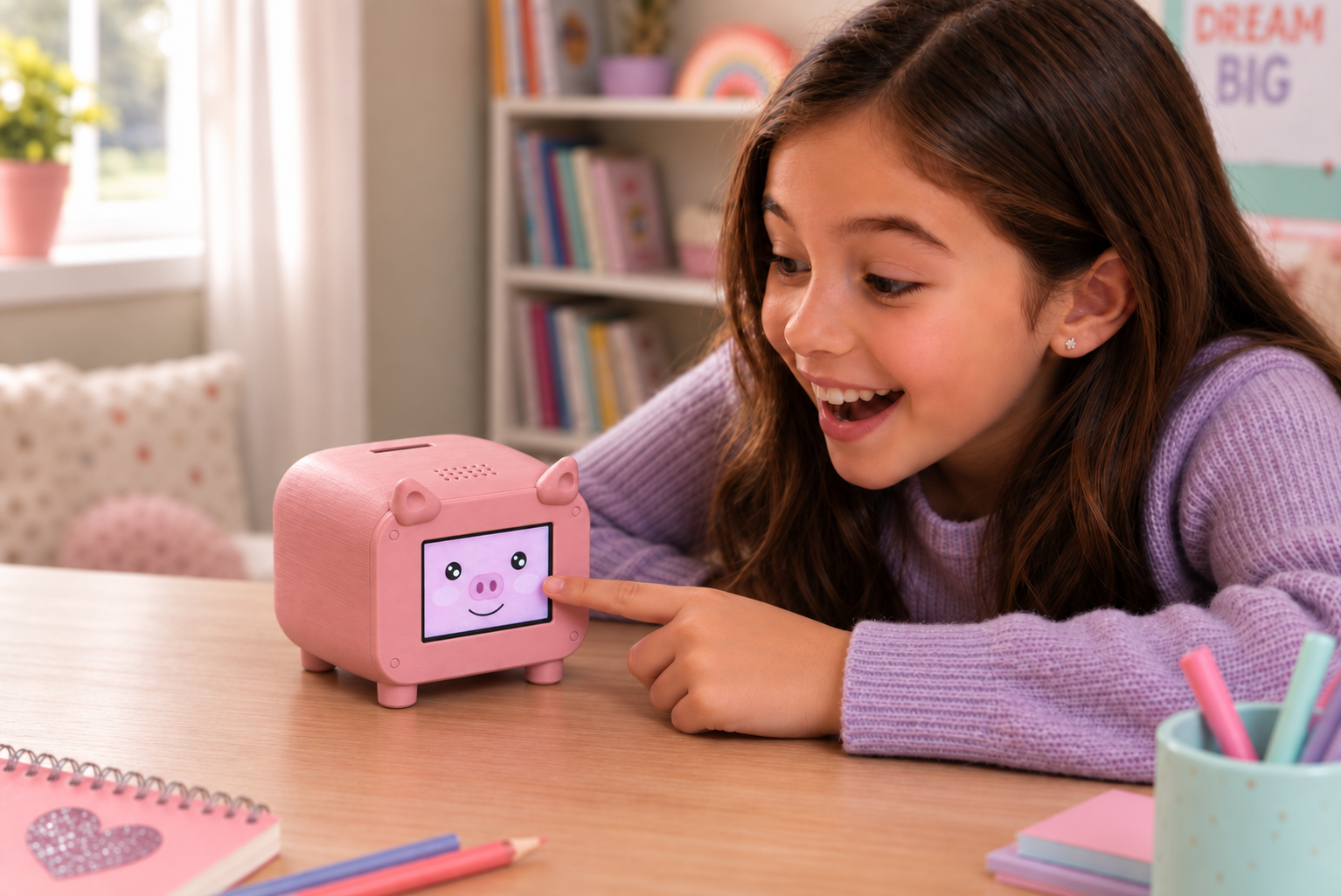
A child playing with the pink Piggy touchscreen piggy bank

Small moments. Growing responsibility.

Feed a little friend, save toward something special, and make everyday routines part of the adventure.

A happy girl taps the animated pig face on the pink Piggy smart piggy bank's touchscreen
Savings they can see
Cash in the piggy bank and confirmed bank funds appear separately, with progress toward their savings goals.
A pet with personality
A tap brings a dance, a balancing trick, a ticklish laugh or an affectionate reaction.
A real piggy bank
Keep coins and bills inside. Enter the amount on Piggy or in the app to update the cash balance.

Their little world, on Piggy

Children interact directly with the touchscreen. No phone or child login needed for play.

  • Save for something special

    See how much is saved and how close that next goal is.

  • A look that grows with them

    Choose an age style or let the appearance change as your child grows. Pick pink or golden, too.

  • Care through play

    Feed Piggy, scrub with the sponge, give affection and send a soccer ball for a playful header.

  • Discover Oincs

    Earn virtual rewards through care and approved tasks, then use them for supplies and outfits.

  • Make Piggy their own

    Try hats, costumes and accessories. Spending Oincs never spends the money saved in the bank.

Your guidance, in the app

One place to follow each child’s savings, care and daily habits, in English or Portuguese.

  • Keep balances clear

    Track cash, confirmed bank funds and pending deposits. Adjust manually managed balances when needed.

  • Give saving a purpose

    Create a goal together — a toy, a bike or an experience — and follow their progress.

  • Keep it close

    Add the web app to your home screen and enable notifications for deposits awaiting approval on supported devices.

  • Build everyday habits

    Set tasks with days, times and optional reminders on Piggy. Review completion and reward their effort.

  • Stay in charge

    You choose the rewards and approve deposits. Bank transfers happen in your banking app, not through Piggy.

Bedtime belongs to rest

When they sleep, Piggy sleeps too.

Set bedtime and wake-up times in the parent app. Piggy settles into a gentle sleeping face, without sad expressions or requests for care during the night.

Choose optional bedtime sounds and a wake-up alarm. Care bars stop dropping at halfway during sleep, so the morning can begin with breakfast and play.

Real savings, your way.

Start with manual balances, or choose a supported bank connection. Language and currency are separate choices.

Cash & manual balances

Record money placed in the piggy bank and enter a starting bank balance. Parents can correct manually managed amounts.

Pix & Zelle

Show payment instructions on Piggy, including a Pix QR code. After the sender taps “I’ve sent it”, the deposit stays pending until an adult checks their bank and approves it in the app or with a PIN on Piggy.

Connected US banks

Link a supported US bank through Plaid for automatic balance updates. Availability and update timing depend on the institution. Automatic Brazilian bank sync is not available yet.

Oincs are game coins. Cash and bank balances are real-money records. Piggy does not hold or transfer funds in your bank account.

Ready for your family’s adventure

A parent sets up the connection. Then Piggy has a place in their everyday life.

  1. 1

    Add your child

    Create your family account, choose reais or dollars and add your child.

  2. 2

    Connect to Wi-Fi

    Follow the screen instructions, then scan its setup QR code to link Piggy to a new or existing child.

  3. 3

    Let them play

    Choose their look, add a goal and set the routines that work for your family.

A few things parents ask

Does Piggy count coins automatically?

No. Place the cash inside, then enter the amount on Piggy or in the parent app. That keeps the record aligned with what you actually saved.

What happens if Wi-Fi goes out?

Piggy can save up to 16 physical-cash entries on the device and sync them when the connection returns. Digital deposits, approvals and other online features still need internet access.

Does every child need a bank account?

No. You can begin with a cash balance and manual bank records. Connecting a supported bank is optional.

Can Piggy receive software updates?

Compatible Piggy firmware supports updates over Wi-Fi, started from the parent app. Follow the instructions there and keep the device powered during the update.

Is Piggy only for younger children?

There are different visual styles, from a cute little pig to a simpler, more mature look. Keep a favorite style or choose “Grow with me” to follow the child’s age.

A little friend. A habit for life.

Bring saving and caring into your family’s everyday moments. Start by setting up your Piggy.